
YouTube

Checked player resource
The Cosalazo 2 Codes
Copy one checked code at a time, redeem it from the main menu, and confirm the complete live response before planning a purchase. Availability can change, an account may have used an entry already, and one canonical table is safer than repeated lists.
Exact stringsCopy values from one canonical table.
Review dateEntries were checked against target-game sources.
Recognize the correct game
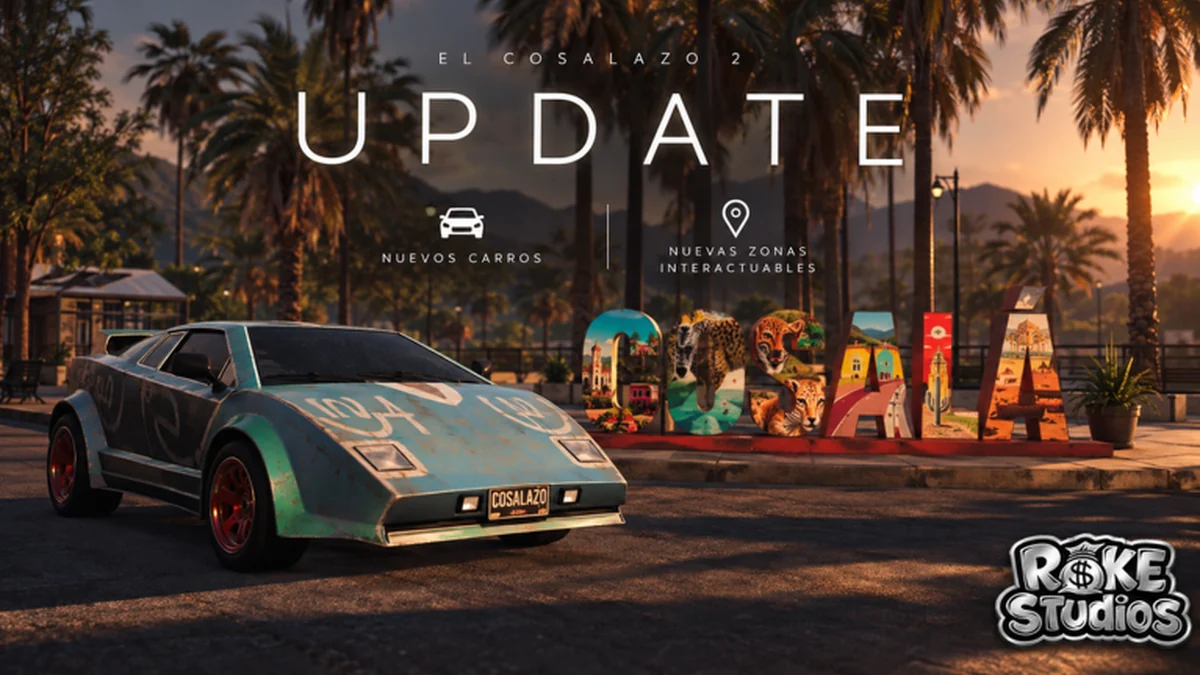
Use this gameplay clip to confirm the experience before opening its code menu.
How this code list is maintained
The official Roblox description and target-game reporting are used to identify and review entries for this experience. We keep exact strings in one table so corrections do not leave conflicting copies across several articles. The live redemption response remains the final confirmation for an account: a listed entry can expire, an account may have redeemed it already, or the interface may change. Copy one value exactly, submit it once, and use the result before moving to the next entry.
Reported working codes
Copy the exact text and redeem once. A code may expire or may already be used on your account.
| Code | Reported reward | Check note | Status | Copy {code} |
|---|---|---|---|---|
PERDONGG | 300K Cash | Confirm the live response | Reported active | |
6M | 200K Cash | Confirm the live response | Reported active | |
GRACIAS | 150K Cash | Confirm the live response | Reported active | |
ONKLON | 250K Cash | Confirm the live response | Reported active | |
DOSMILLONES | 200K Cash | Confirm the live response | Reported active | |
COSALAZO | 50K Cash | Confirm the live response | Reported active | |
BIENVENIDO | 100K Cash | Confirm the live response | Reported active | |
WELCOME | 80K Cash | Confirm the live response | Reported active |
How to redeem
Menu labels can change, so follow the current interface if it differs.
Launch the experience
Open The Cosalazo 2 and remain at the main menu.
Open CODES
Select CODES on the left side of the main menu.
Paste one entry
Use WRITE YOUR CODE and avoid extra spaces.
Select REDEEM
Submit once and read the full response.
Codes FAQ
Why does a listed code fail?
Check spacing, exact characters, prior redemption, and the live status response. Codes may expire without notice.
Where is the code menu?
Select CODES on the left of the main menu, enter one string in WRITE YOUR CODE, and select REDEEM.
Redeem before planning the spend
Confirm the reward in game, then use live prices and a protected reserve.